How to Log In to Flying Chess – Account Sign-In Guide 2026
Logging in to Flying Chess takes only a few seconds with your registered mobile number and password. This guide covers the sign-in steps, how to reset a forgotten password, and answers to common login questions.
Table of Contents
How to Log In to Your Flying Chess Account
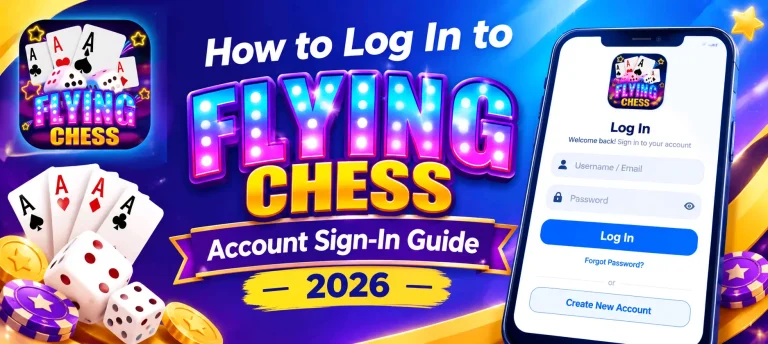
If you already have an account, signing back in only takes a moment:
1Open the Flying Chess app and tap the Login button on the main screen.
2Enter the mobile number and password you used when you registered.
3Tap Login to access your account.
4Once you are in, your balance and progress will be exactly as you left them.
Resetting a Forgotten Password
If you cannot remember your password, there is no need to worry. You can reset it in a few steps without losing your account:
1On the login screen, tap the Forgot Password option.
2Enter your registered mobile number so a reset code can be sent to it.
3Type in the OTP code you receive by SMS to confirm it is your number.
4Set a new password, then log in with your updated details.
Tips for Trouble-Free Login
- Double-check that you are entering the same mobile number you registered with.
- Watch for the caps-lock or extra spaces when typing your password.
- Keep your login details private, and never share your password with anyone.
- Make sure you are on the latest version of the app for a smooth sign-in.
Common Login Problems
- If your password keeps getting rejected, use Forgot Password to reset it rather than guessing repeatedly.
- When the app will not open past the login screen, check your internet connection and try again.
- If you have forgotten which mobile number you registered with, try the numbers you own one at a time on the Forgot Password screen to find the right one.
Conclusion
Logging in to Flying Chess is quick and simple. With your registered mobile number and password, you are back into your account in just a few seconds, right where you left off. And if you ever forget your password, the reset option gets you back in without losing your account or balance.
Because everything is saved online, you can log in from a new phone or another device anytime and pick up exactly where you stopped. If login ever gives you trouble, the Common Login Problems section above covers the most frequent issues.
Frequently Asked Questions
Can I log in to Flying Chess on more than one device?
Yes. Log in with the same mobile number and password on any device. Your account and balance are saved online, so everything stays in sync.
What happens if I get my password wrong too many times?
For your safety, the app may briefly pause login attempts. Just wait a few minutes, then try again or reset your password using Forgot Password.
Do I need internet to log in?
Yes. A working internet connection is needed to log in and to play, since the app checks your account details online.
Does logging out lose my progress?
No. Your balance and progress are saved to your account online, so logging out never deletes anything. Just log back in to continue.
Is logging in with a mobile number more secure than email?
A mobile number ties your account to a device only you control and allows OTP verification, which adds a layer of security during login and password resets.